Guides
Learn voice commands, shortcuts, and dictation with clear steps and real TypeDash examples.
Start with the essentials
12 guidesCreate a shortcut by drag and drop.
Drag an Excel file into TypeDash. Name the shortcut database and save it.
Read guide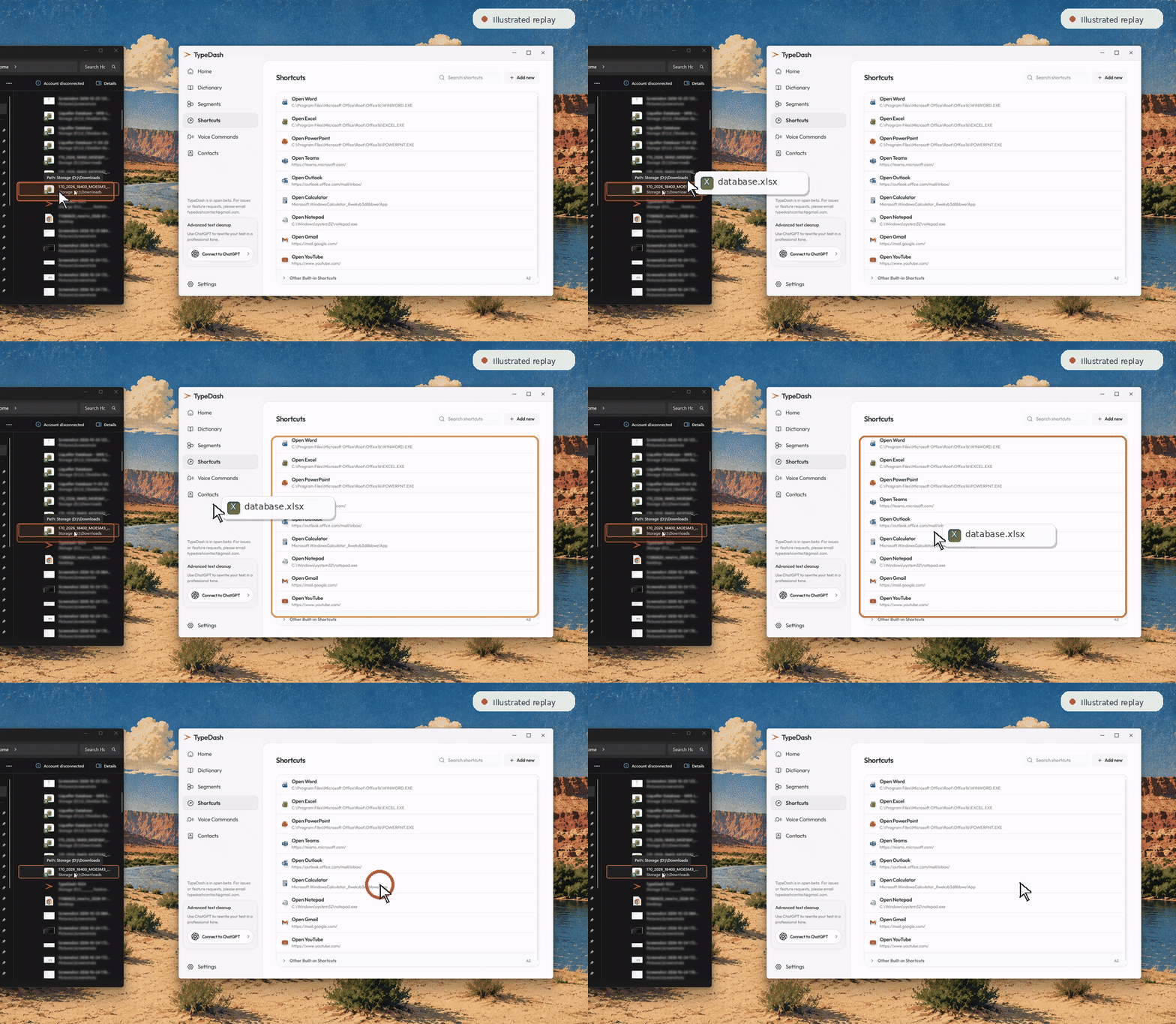
Create your first voice command
Add a phrase, choose an action, then save and test it.
Add a keyboard shortcut voice command
Trigger a keyboard shortcut from a spoken phrase.
Open apps, files and websites
Create shortcuts for apps, folders, files and web links.
Create a custom website command
Open a website or pass captured speech into a search URL.
Use built-in voice commands
Search, calculate and use built-in tools directly from TypeDash.
Add contacts for voice commands
Store people so name-based commands are easier to use.
Edit shortcuts and pick installed apps
Switch shortcut type, browse a path or choose from installed apps.
Get started with dictation
Use local dictation, then optionally turn on ChatGPT Cleanup.
Use the TypeDash Calculator
Run a spoken calculation and watch the result appear.
Pick a colour with your voice
Sample a pixel and inspect its HEX, RGB or HSL value.
Measure pixels with TypeDash
Measure bounds, spacing and dimensions on your screen.